
Course Hierarchy
EducoSoft Course structure is organized into Chapters, Sections and Objectives with various interactive elements like Tutorials, Examples and Videos.
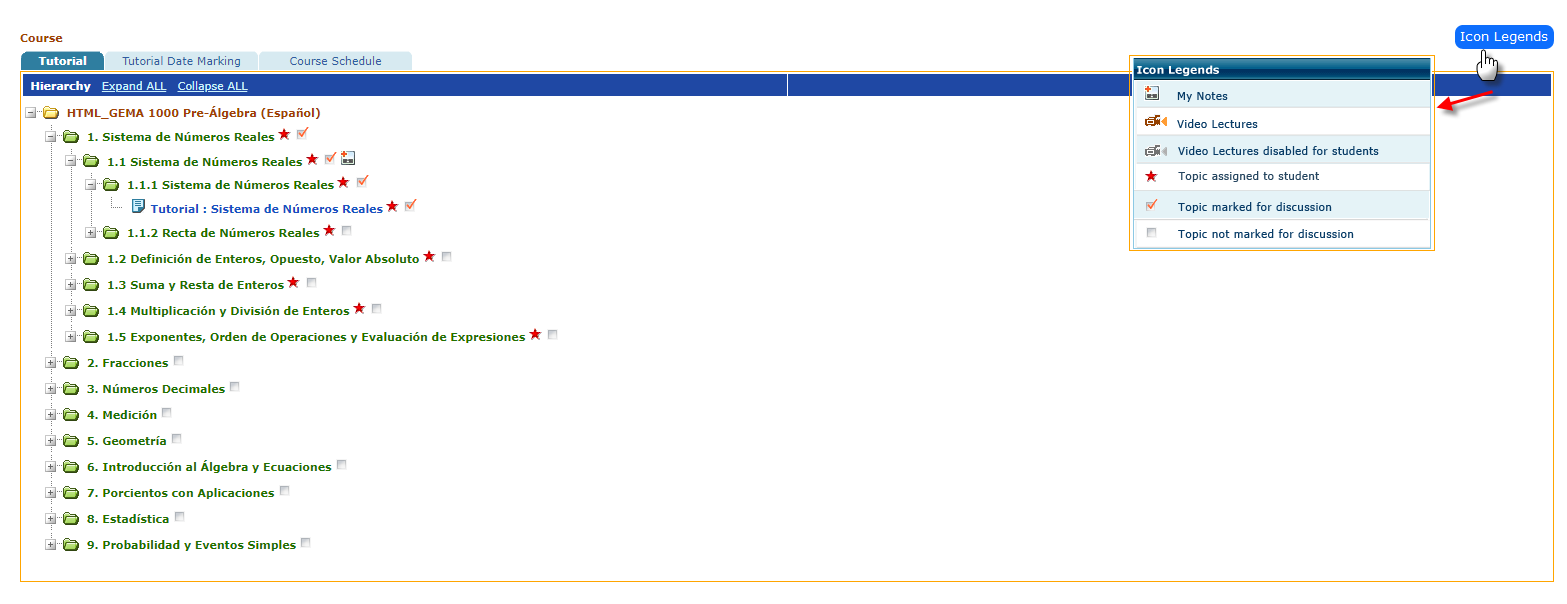
Key elements:
- Course: The top level indicates the course title.
- Chapters: The course is divided into chapters.
- Sections: Each chapter is further subdivided into sections.
- Objectives: Within each section, specific learning objectives are listed.
- Interactive elements: The image includes icons representing different types of content:
- Tutorials: Provide step-by-step guidance on a particular topic.
- Examples: Offer concrete illustrations of the concepts being learned.
- Learning activities: Interactive exercises or problems for students to practice.
- Videos: Provide supplementary visual explanations.
- Topic marking: There are options to mark topics as "Marked for Study" or "Mark Topic for Discussion," allowing the instructor to personalize the learning experience.
- Expansion/collapse: The hierarchical structure allows users to expand or collapse different levels to focus on specific areas of the course.