EducoSoft Instructor Help

My Profile Overview
- Go to User Management > My Preferences > My Profile.

- The user will be taken to the following screen.
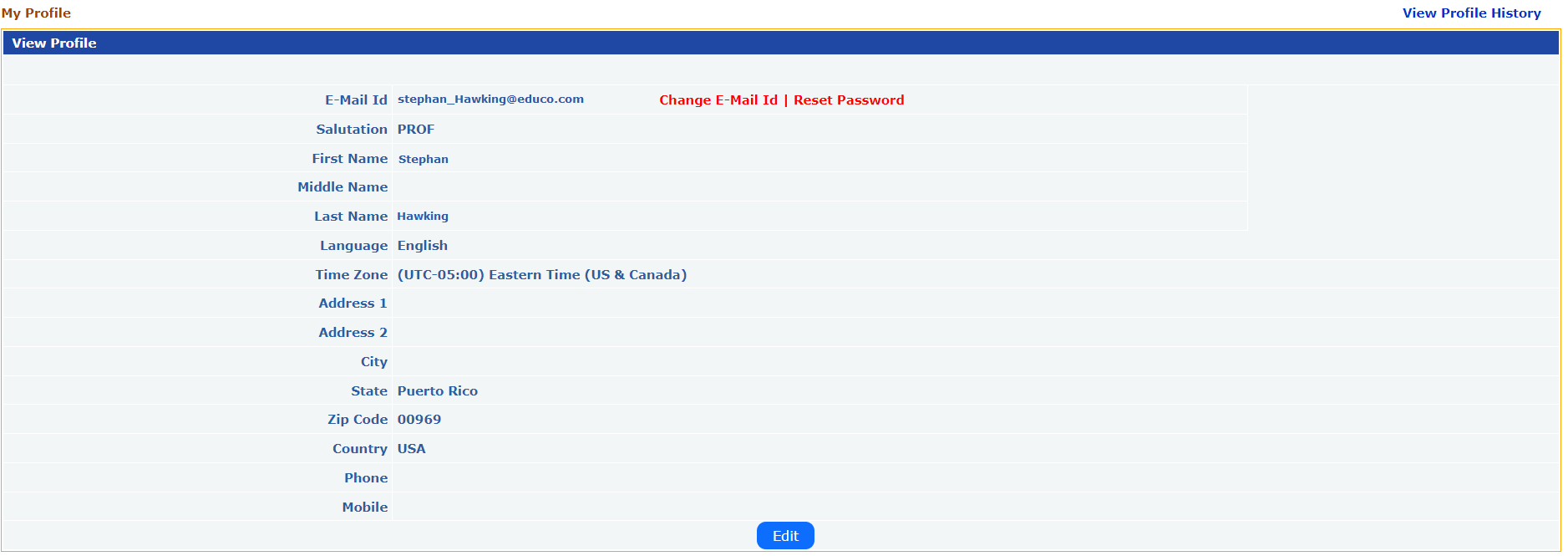
- You will get to see the instructor profile details.
- Change Email ID: Click the ‘Change E-Mail Id’ link. A popup appears to change the E-Mail ID.
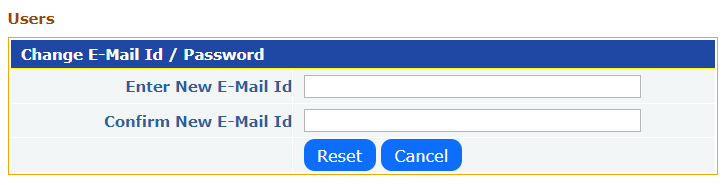
- Specify the new E-Mail ID and click the ‘Reset’ button to save the changes.
- Reset Password: Click on the ‘Reset Password’ link. A popup appears to change the password.
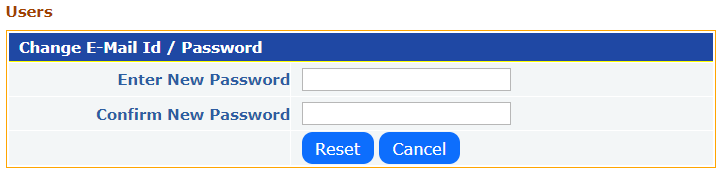
- Specify the new Password and click on the ‘Reset’ button to save the changes.
- View Profile History: Click on the ‘View Profile History’ link to view the instructor profile history changes.

- Edit Profile: Click on the ‘Edit’ button to change Instructor Information.
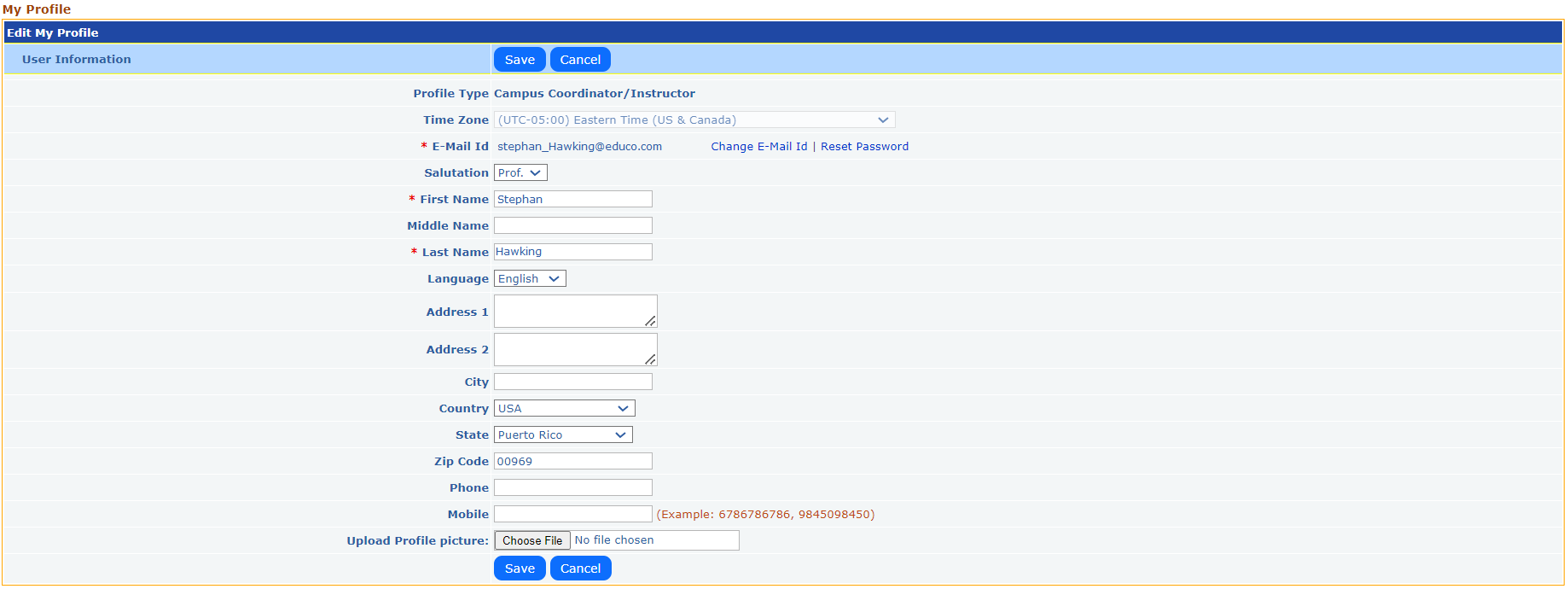
- You can update your name, address, country, state, zip code, contact details, and profile picture to ensure accurate communication.
- Click on the ‘Save’ button to save the changes.